
Turn Product Photos Into Social Media Posts
Your next week of content can start with the photos you already have. Turn a small set of approved product images into useful posts, not thirty near-identical sales pitches.
Brand Armor AI editorial team
The short answer
Start with clear product photos and confirmed facts. Choose one customer question for each post, select an image or carousel, write one specific next step, and review the product details before scheduling. Reuse the source material; change the purpose of the post.
Build a small, reliable source kit
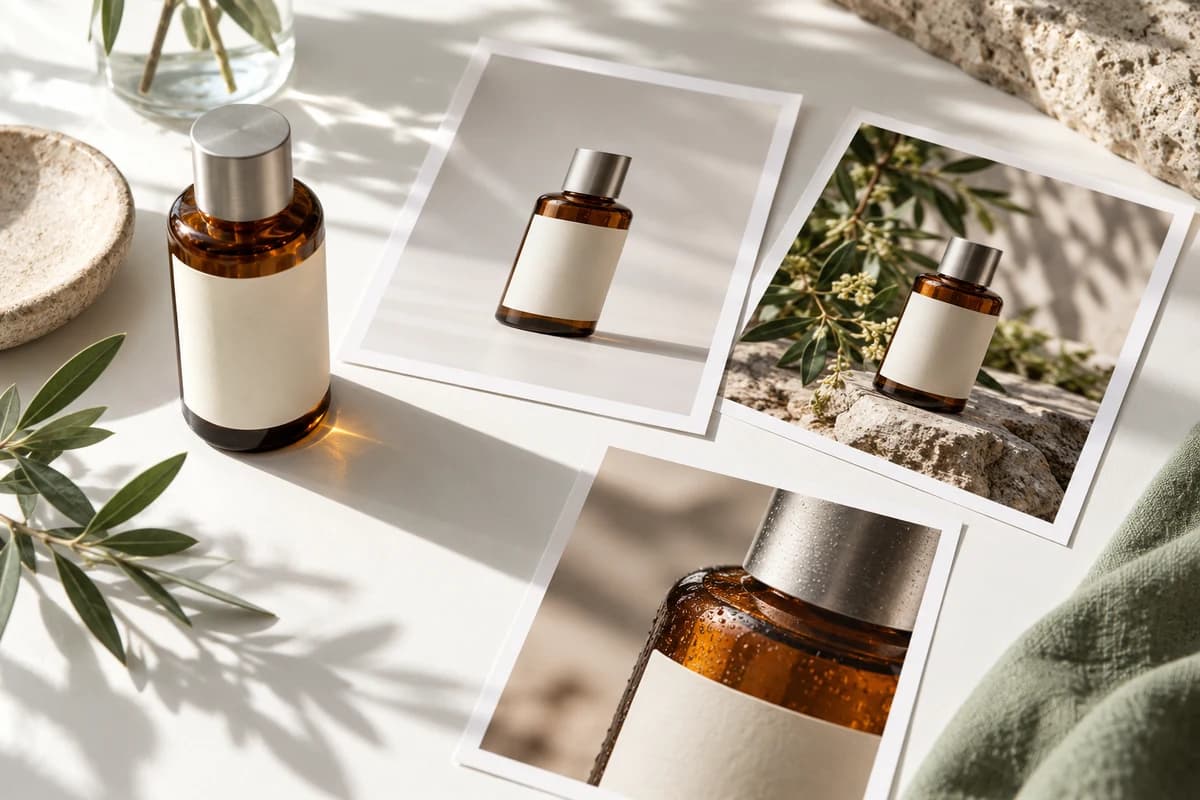
Use one clear full-product image, one close-up, and one photo that shows scale or use. Photograph the actual item in consistent light. Keep a clean original rather than repeatedly downloading compressed copies from social media.
Add the product name, exact materials, dimensions, price if relevant, and a correct product-page link. Record what you cannot claim. A skincare bottle does not become clinically proven because a generated caption says so.
- Use images you own or have permission to reuse.
- Check labels, colors, proportions, and product variants.
- Avoid including addresses, order numbers, or customer information.
One product. Five reasons to post.
Give each post a job. A product introduction helps someone understand the item. A detail post answers a buying question. A care guide helps an existing customer. A process post introduces the maker. A comparison explains a real difference between available options.
For a ceramic mug, a useful sequence is: the whole mug, its handle and dimensions, a real use setting, care guidance, then a comparison of two available glazes. Do not invent a customer review to fill the fifth slot.
Prepare the first batch in Brand Armor AI
Add approved product references and confirmed facts, then choose the appropriate creative format. Brand Identity keeps reusable business context available so you do not need to paste the same background into every brief. Choose a single image for one point or a carousel when the answer needs several frames.
Review generated copy and visuals in Your creatives, then prepare the post for the connected destination. Saved products can be reused; catalog synchronization with your shop is not assumed. Start with approval required if you set up a recurring product workflow.
Review the product, not just the aesthetic
Generative imagery can change labels, shapes, materials, and colors. When exact appearance matters, use an approved photo rather than treating a generated scene as documentary evidence. Compare each result against the original before publishing.
Check the caption, link, chosen account, platform crop, and offer expiry. Measure available clicks and customer questions after publication. A completed post is not proof of a sale; connect outcome tracking separately before attributing revenue.
See the workspace in action
Our existing product demo introduces the wider workspace, not the illustrative products on this page.

An example brief you can adapt
Illustrative brief and copy, not an actual customer result. Replace the details with verified facts for your item.
The brief
Create a three-slide Instagram carousel for our handmade ceramic mug using the approved photos. Slide 1: the full mug. Slide 2: the handle and exact dimensions from the product details. Slide 3: care instructions. Use a calm, practical voice. Do not invent dishwasher safety, certifications, discounts, or stock levels.
An example to adapt
Caption idea: A closer look at the mug you will use every morning. Swipe for the shape, measurements, and care details before choosing your glaze. See the product page for current availability.
Questions, answered
Can I make several posts from one product photo?
Yes, but a crop cannot answer every question. Reuse a strong image for a different message, and add real detail or scale photos when the post needs evidence. Avoid presenting invented angles as actual product photography.
Will Brand Armor AI publish immediately after generation?
Creating a creative does not publish it. Review the result and prepare a post for an authorized connected account. Automatic publishing requires a separately configured workflow.
Do I need to connect an online store?
You can start with approved product photos and facts. This workflow does not depend on, or promise, native Shopify or Etsy catalog synchronization.
Further reading
Keep building your content plan
Create Product Videos From Photos
Plan a short product video from existing photos: a scene-by-scene example, portrait framing, optional motion, captions, and an honest product review checklist.
Read the guide30 Instagram Content Ideas for a Handmade Jewelry Business
Thirty specific Instagram post ideas for handmade jewelry sellers, with photo requirements, adaptable caption starters, and useful next steps for each idea.
Read the guideA 30-Day Social Media Content Calendar for Candle Businesses
A realistic 30-day candle business content calendar with post ideas, caption starters, photo checklists, weekly review days, and a downloadable CSV.
Read the guide